
User Guide
From install to first session. The app guides you; this page simply answers ahead of time what you might wonder.
First Launch
On first launch the app asks three things. All three are one-time and can be changed later.
Data Consent
You allow your preferences and statistics to be stored on your device. If you decline, the app runs in restricted mode — the sound is identical, only the streak and statistics are not kept.
Three-Step Intro
Welcome, Nine Gates and You Are Ready. You can skip it and reopen it later from settings.
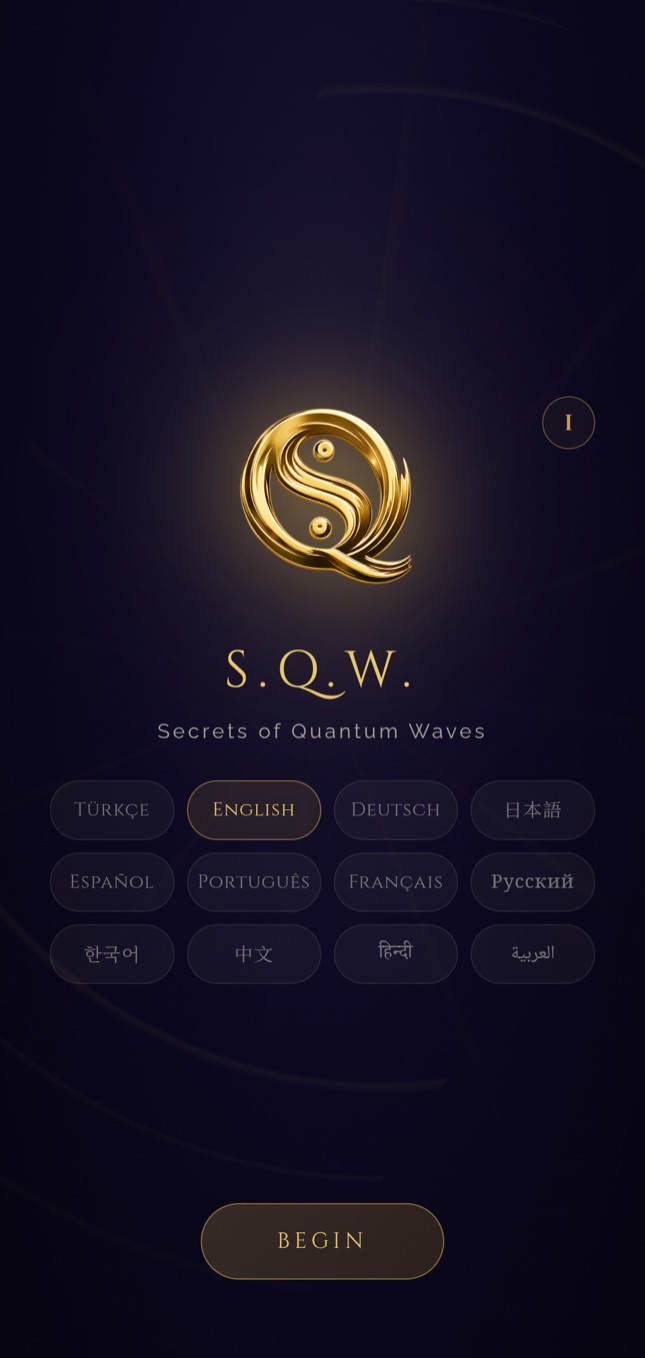
Language
One of twelve languages. Changing it shifts not just the interface but the frequency names and guide content along with it.
Put your headphones on before you begin. The binaural layer arises from the difference between the two ears; on speakers that difference never forms.
Your First Session
Three taps are enough. The rest flows on its own.
Choose Your Mood
One of eleven moods. If you are unsure which to pick, look not at how you feel right now but at where you want to go — the frequencies are chosen to carry you there.
Choose the Duration
10, 20 or 30 minutes, or free mode. When the time is up the sound does not cut off abruptly; it descends softly.
BAŞLA
A single button. Once the sound is running you can switch the screen off — playback is controlled from the lock screen, you do not need to keep the app in front.
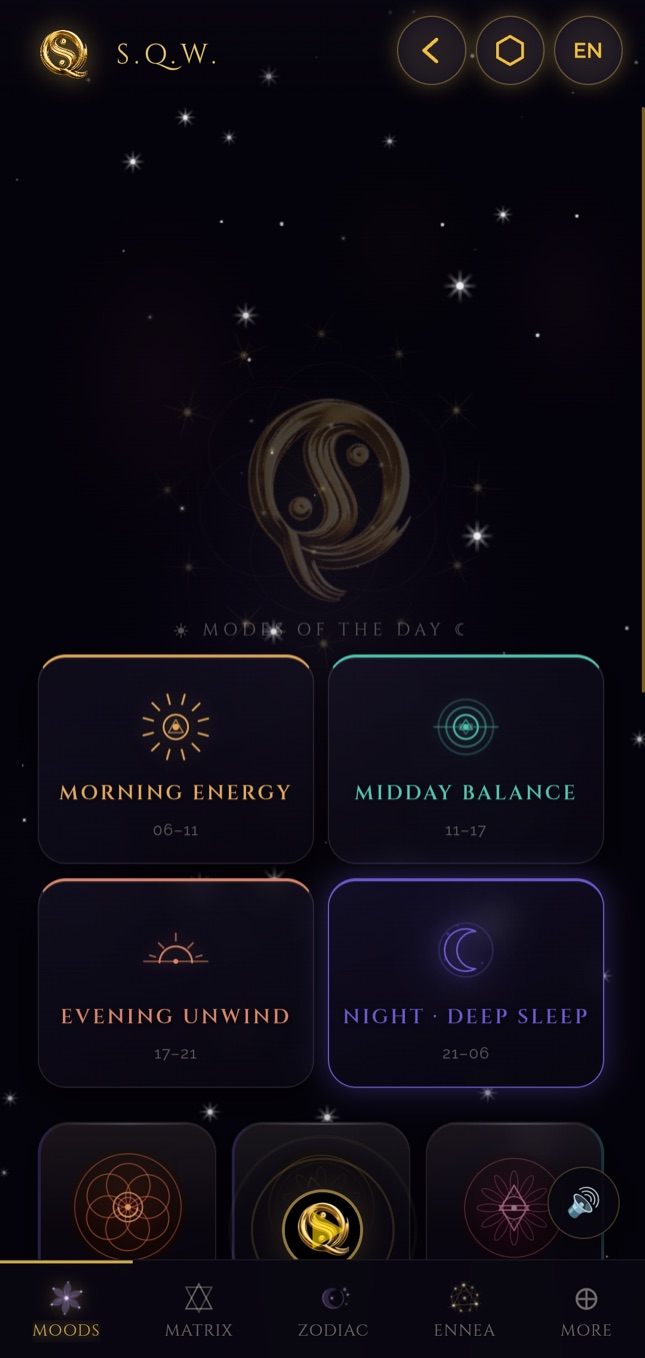
Moving Between the Nine Gates
The bottom tab bar carries the nine gates. There is no order and no prerequisite — one gate never locks another.
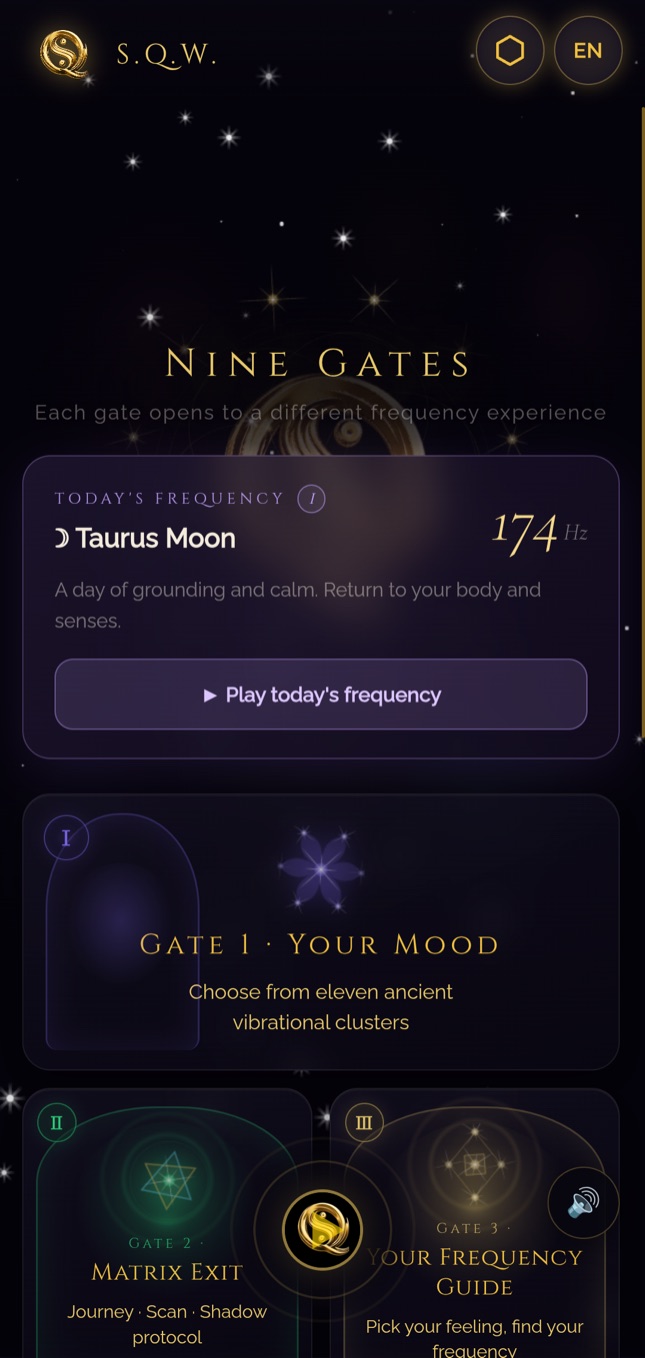
Changing gate while sound plays
It does not stop the sound. You can move to the Archive or Stats gate while a mood is playing and find the same session when you return.
The Frequency Guide (AURA)
60 emotion cards across five themes. You pick a card and the guide opens the frequency that answers it. No internet is needed; it runs entirely on your device.
Matrix Exit
A six-gate depth module: Journey tracks 21 days, Protocol runs 28 minutes, Scan and Shadow are single sittings. You are not required to move through them in order.
The Sound Workshop
Waveform, unison, filter and envelope. Every parameter you change is heard immediately; you can save a setting you like and bind it to a mood.
Your Data and Its Controls
The app has no route to the internet. So control of your data sits in a single place: your device.
- Your preferences and statistics are stored only on your device and sent to no server.
- You can delete all your data at any time with a single tap; deletion is immediate and cannot be undone.
- You can withdraw data consent later — the sound keeps working, only the streak and statistics stop being kept.
- You can replay the intro from settings and change the language whenever you like.
Frequently Asked
Are headphones required?
For the binaural layer, yes. That layer arises from giving each ear a different frequency; on speakers the two blend in the air and no difference forms. You can listen to the mood tone on speakers, but you will not hear the binaural effect.
Is an internet connection needed?
No. After installation no function of the app needs a network — everything, the frequency guide included, runs on your device. It works fully in aeroplane mode.
Is there a subscription?
No. It is a one-time purchase; there are no in-app upsells, no ads and no tracking scripts.
The sound stops when I switch off the screen.
The app is built to keep playing with the screen off. If the sound still stops, your device battery optimisation is suspending it in the background; removing the battery restriction for SQW in Android settings resolves it.
Is my device compatible?
Google Play shows whether your device is compatible before installation. The app is for Android phones and tablets.
Do the frequencies carry a medical claim?
No. The app is a relaxation and atmosphere tool; it is not a medical diagnosis, treatment, or a substitute for treatment. Frequency and binaural audio are not established medical methods, and individual experience varies.
Where do the frequencies come from?
All 342 frequencies derive from a single mathematical map; none was picked arbitrarily. The proof of the system was published as a preprint: DOI 10.5281/zenodo.19221418.